
CSS Tutorial
CSS is the language we use to add style to an HTML document. CSS tells how HTML elements should look on the screen.
This tutorial will teach you everything you need to know about CSS, from the basics to more advanced techniques.
The CSS tutorial or CSS 3 tutorial teaches both the basics and more complex ideas about CSS technology. Our CSS tutorial is made for both newbies and experts.
Here are the most important parts of CSS:
- Cascading Style Sheet is what CSS stands for.
- HTML tags are made with CSS.
- CSS is a language that is used a lot on the web.
- Web design uses HTML, CSS, and JavaScript. It makes it easier for web designers to style HTML tags.
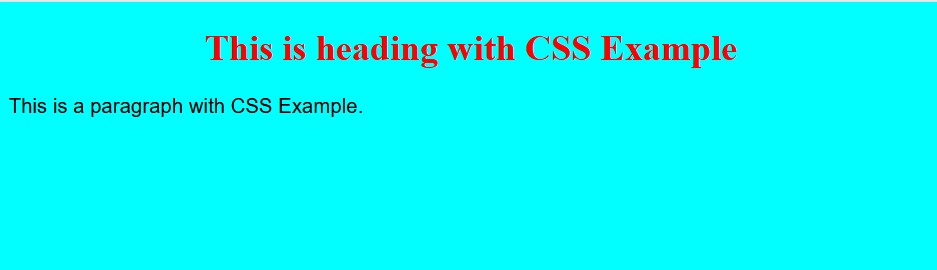
Example
<!DOCTYPE html>
<html>
<head>
<style>
body {
background-color: #00FFFF;
}h1 {
color: red;
text-align: center;
}p {
font-family: arial;
font-size: 18px;line-height:24px
}
</style>
</head>
<body><h1>This is heading with CSS Example</h1>
<p>This is a paragraph with CSS Example.</p></body>
</html>
Output
# Summary
Here is what you've learned in this lesson:
Continue to the next lesson and learn more about CSS Colors and Backgrounds.