how to fix “You have some jquery.js library include that comes after the Slider Revolution files js inclusion.”
📌 Key Takeaways
- how to fix “You have some jquery.js library include that comes after the Slider Revolution files js inclusion.”
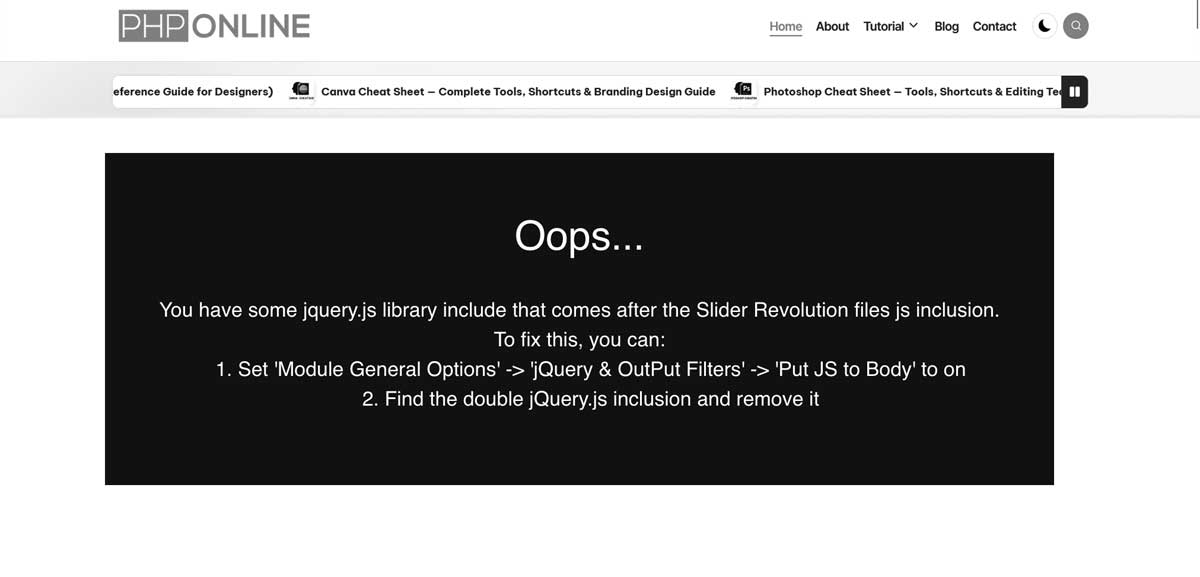
That error message
“You have some jquery.js library include that comes after the Slider Revolution files js inclusion.
To fix this, you can:
1. Set ‘Module General Options’ -> ‘Advanced’ -> ‘jQuery & OutPut Filters’ -> ‘Put JS to Body’ to on
2. Find the double jQuery.js inclusion and remove it”
comes from Slider Revolution (a popular WordPress slider plugin). It means that you’re loading jQuery twice — once before the Slider Revolution scripts (correct), and another time after it (wrong). This breaks the slider’s JavaScript dependencies.
Here’s how to fix it 👇
Option 1: Use Slider Revolution Settings
- Go to your WordPress Dashboard.
- Navigate to
Slider Revolution → Module General Options → Advanced → jQuery & Output Filters. - Turn “Put JS to Body”ON.
- This ensures Slider Revolution JS loads after jQuery.
- Save the module and clear your cache.
Option 2: Remove Duplicate jQuery Includes
You may have another jQuery file being loaded by:
- Your theme’s header.php or footer.php
- A plugin that also includes jQuery manually
- A custom script enqueue in
functions.php
To check and fix:
- In your WordPress dashboard, go to Appearance → Theme File Editor → header.php (or use FTP).
- Search for lines like: <script src=”https://code.jquery.com/jquery.js”></script> or wp_enqueue_script(‘jquery’);
- You only need one
wp_enqueue_script('jquery')— WordPress already loads it by default. - Remove any manually added
<script src="jquery.js">lines that come after the Slider Revolution script.
Bonus Tip
To prevent this in the future:
- Use WordPress’ built-in jQuery by enqueuing it properly in your theme: function mytheme_enqueue_scripts() {
wp_enqueue_script(‘jquery’);
}
add_action(‘wp_enqueue_scripts’, ‘mytheme_enqueue_scripts’); - Avoid adding
<script>tags manually in header/footer unless absolutely necessary.