change html text by javascript class name in hierarchy
📌 Key Takeaways
- change html text by javascript class name in hierarchy
- Browser Support
- Parameters
Table of Contents:
Advertisement
Example
<!DOCTYPE html>
<html>
<body>
<h1>The Document Object</h1>
<h2>The querySelectorAll() Method</h2><p>Add a background color all elements with class=”example”:</p>
<h2 class=”example”>A heading</h2><div class=”asdf”><p class=”example”>A paragraph.</p> </div>
<script>
const tinaicon = document.querySelectorAll(“.asdf .example”);
for (let i = 0; i < tinaicon.length; i++) {
tinaicon[i].innerHTML = “your text here”;
}
</script></body>
</html>
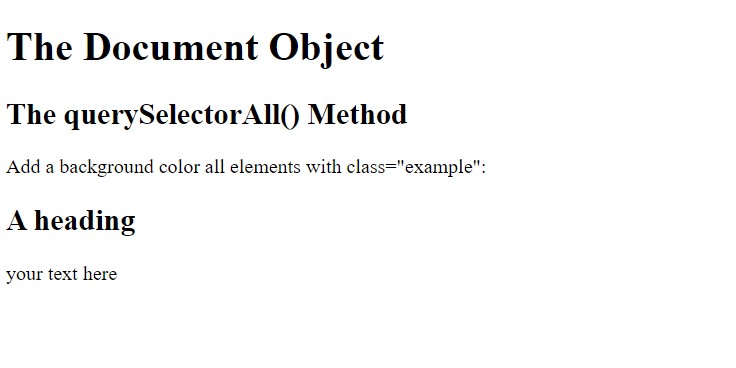
output
Browser Support
document.getElementsByClassName() is a DOM Level 1 (1998) feature.
It is fully supported in all browsers:
| Chrome | Edge | Firefox | Safari | Opera | IE |
| Yes | Yes | Yes | Yes | Yes | 9-11 |
Parameters
| Parameter | Description |
| classname | Required. The class name of the elements. Search for multiple class names separated by spaces like “test demo”. |